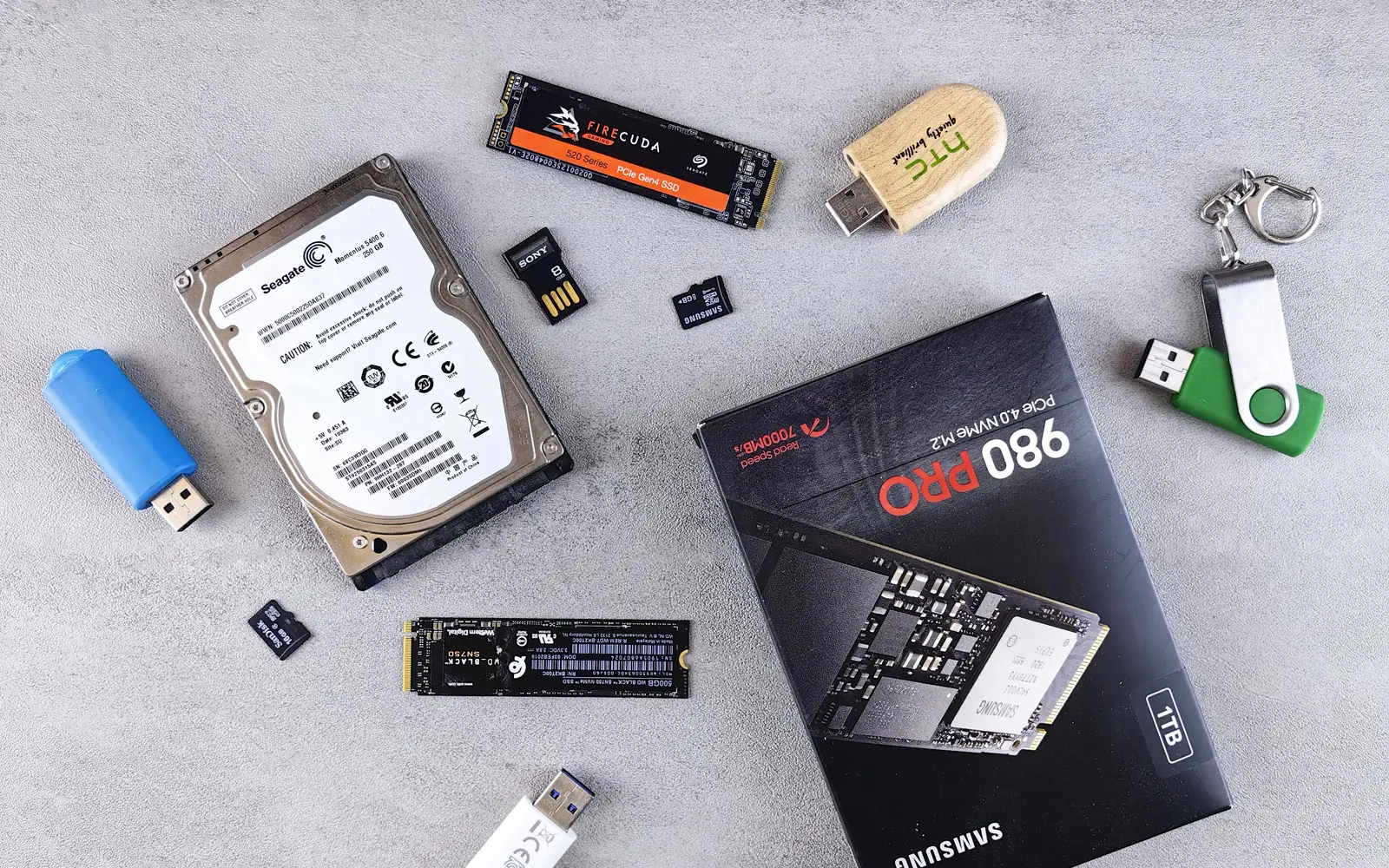
Retail listings often present HDD, SSD, and NVMe as though they were three identical types of product. They are not. Understanding the difference makes it easier to buy the right storage instead of paying for a label.
HDD describes a mechanical hard disk. SSD describes solid-state storage, generally with no spinning platters. NVMe is a storage communication protocol, not a separate physical storage medium. Many modern NVMe drives are SSDs that use a PCIe connection.
Three terms, two different concepts
| Term | What it describes | Common context |
|---|---|---|
| HDD | Magnetic, mechanical storage device | Bulk storage, archival workflows |
| SSD | Solid-state storage device | System drives, applications, active projects |
| NVMe | Communication protocol | Often paired with PCIe SSDs |
Do not confuse the shape with the interface
Drives may come in a 2.5-inch enclosure, an M.2 module, an add-in card, or another form factor. An M.2 label tells you about the physical module shape, not automatically which protocol it uses. Some M.2 slots and drives are SATA-based, while others support PCIe/NVMe. Motherboard and drive compatibility must be checked before buying.
What changes in everyday use?
Moving an operating system and applications from a mechanical HDD to a solid-state drive often makes a noticeable difference in startup and loading behavior because SSDs avoid mechanical seek delays. Among modern SSDs, the difference between SATA and NVMe can be substantial in some sequential or parallel transfer tasks, but the advantage may be less dramatic in small everyday activities where the rest of the computer becomes the limiting factor.
The NVM Express consortium describes NVMe as a protocol designed for non-volatile memory across transports including PCIe, and explains that its design reduces overhead compared with legacy storage protocols. This does not mean every NVMe drive outperforms every SATA SSD in all conditions: flash type, controller, thermals, workload and available cache all matter.
Choose storage by task
- Operating system and software: a compatible SSD is generally the sensible default.
- Active coding projects and local databases: responsive SSD storage is useful; consider capacity and endurance as well as speed.
- Large, infrequently accessed collections: HDDs may make sense when cost per unit of capacity matters more than speed.
- Backups: separation, reliability, restore testing and multiple copies matter more than benchmark throughput alone.
Check compatibility before ordering
- Identify the motherboard or laptop model.
- Check available physical bays and M.2 slots.
- Verify whether each slot supports SATA, PCIe/NVMe or both.
- Check length, keying, cooling clearance and power requirements.
- Confirm whether the new drive will be a boot device or secondary storage.
Our recommendation
For a primary computer drive, prioritize a reliable SSD with enough capacity and verified compatibility. Choose NVMe when the system supports it and its benefits fit your work; choose SATA when it is the appropriate interface or offers better value. Keep a proper backup strategy regardless of which drive you buy.
Sources and editorial note
Primary reference: NVM Express — Base Specification overview and NVM Express — Why NVMe has lower protocol latency. This draft contains no product-specific benchmark testing.