
DDR4 vs DDR5 RAM: What Actually Matters?
Understand bandwidth, CAS latency, gaming, compatibility and whether paying for DDR5 solves a real problem.
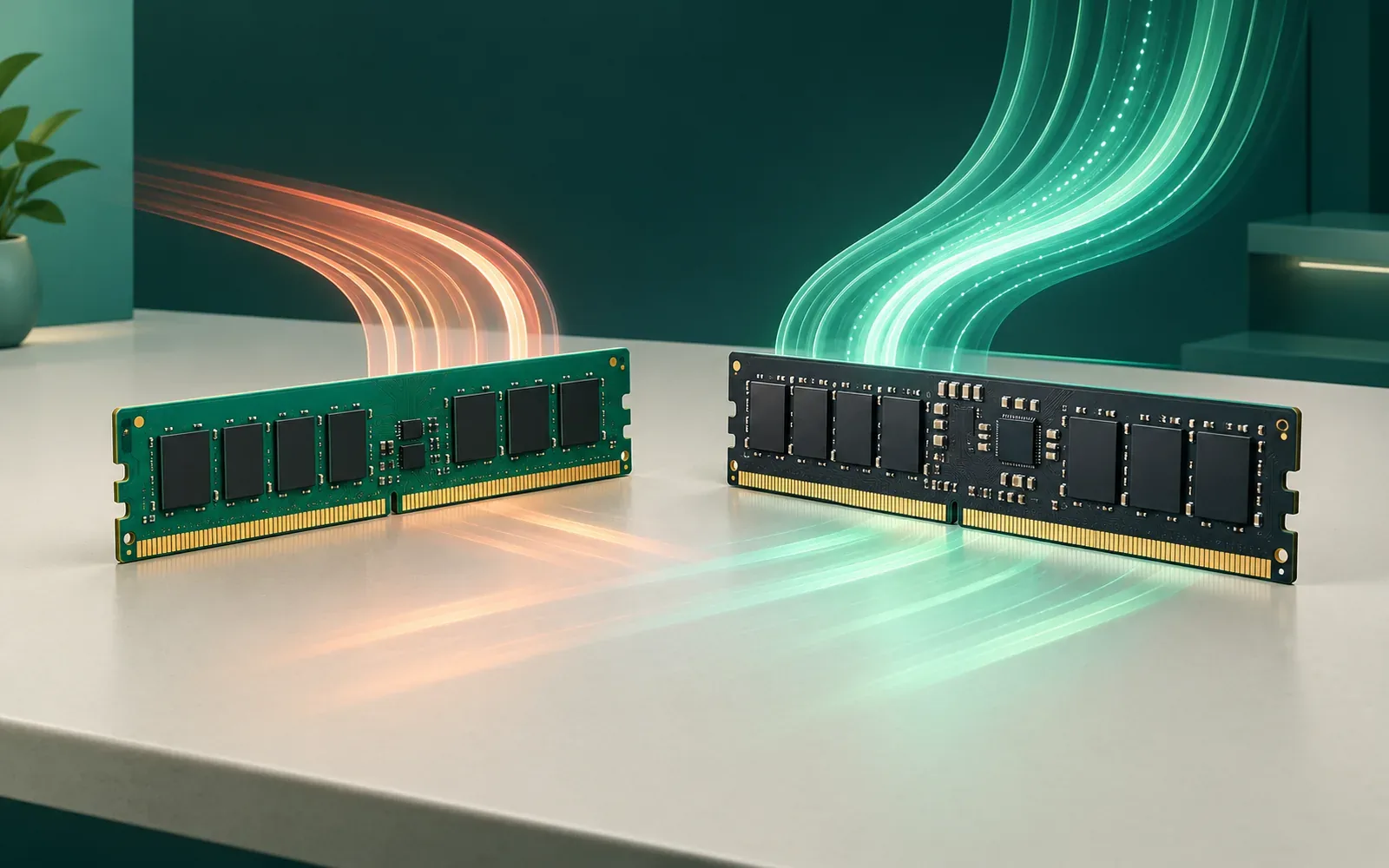
Building a new PC or upgrading an existing one? DDR5 offers substantially more bandwidth than DDR4—but that does not mean every application runs substantially faster. The better decision depends on platform compatibility, capacity, workload and the total upgrade cost.
Short answer: Choose DDR5 for a compatible modern new build. Keep DDR4 if your existing system does the job, especially when simply adding more compatible memory would fix a capacity shortage.
DDR4 vs DDR5 at a glance
| Feature | DDR4 | DDR5 |
|---|---|---|
| JEDEC-era typical transfer rates | DDR4-2133 to DDR4-3200 | DDR5-4800 and higher |
| Standard voltage | 1.2 V | 1.1 V |
| Unbuffered DIMM organization | One 64-bit data channel | Two independent 32-bit subchannels (64-bit total) |
| Power management | Primarily on motherboard | Power-management IC on the module |
| On-die error correction | Not a standard DDR4 feature | Included; not a substitute for platform-level ECC |
| Physical compatibility | DDR4 slots only | DDR5 slots only |
Transfer rates depend on the processor, motherboard, number of modules and memory profile. A kit’s advertised overclocked data rate is not guaranteed on every PC. Kingston’s generation comparison describes the architectural differences.
1. Speed: what higher MT/s actually means
Memory is commonly advertised as DDR4-3200 or DDR5-6000. These figures represent millions of transfers per second (MT/s), not the underlying clock frequency. A DDR5-6000 kit transfers data faster than DDR4-3200 and offers a higher theoretical peak bandwidth.
For a 64-bit-wide data path, the simplified calculation is bandwidth (GB/s) = MT/s × 8 ÷ 1,000. It gives the following examples:
| Memory rate | Peak bandwidth per 64-bit data path |
|---|---|
| DDR4-3200 | 25.6 GB/s |
| DDR5-4800 | 38.4 GB/s |
| DDR5-5600 | 44.8 GB/s |
| DDR5-6000 | 48.0 GB/s |
| DDR5-6400 | 51.2 GB/s |
DDR5-6000 has 87.5% more theoretical bandwidth than DDR4-3200 for the same bus width. That is a bandwidth calculation, not an 87.5% prediction for application speed. Applications benefit only when memory transfers are an important bottleneck.
More bandwidth may help memory-intensive computation, some games, integrated graphics and some CPU-based AI workloads. It may matter little when a workload is limited by storage, the graphics card, CPU execution or network requests.
2. Latency: why CL16 and CL30 cannot be compared directly
CAS latency (CL) counts clock cycles. Because DDR4 and DDR5 operate at different data rates, a lower CL number is not necessarily faster in elapsed time. A useful estimate of the CAS portion of latency is CL × 2,000 ÷ data rate (MT/s), expressed in nanoseconds.
| Memory example | Calculated CAS delay |
|---|---|
| DDR4-3200 CL16 | 10.0 ns |
| DDR4-3600 CL18 | 10.0 ns |
| DDR5-4800 CL40 | 16.7 ns |
| DDR5-5600 CL36 | 12.9 ns |
| DDR5-6000 CL30 | 10.0 ns |
For example, DDR5-6000 CL30 and DDR4-3200 CL16 have approximately the same calculated CAS delay, while DDR5 has more bandwidth. But this formula covers only one component of memory latency. Full system latency also depends on other DRAM timings, the CPU memory controller, caching and operating modes. Crucial’s DDR5 explanation describes the distinction.
3. Gaming: DDR5 can help, but not equally in every game
Results depend on whether a game is limited by CPU-side work, memory throughput or the graphics processor. DDR5 can matter significantly when the CPU needs more data than a slower memory subsystem can provide. In GPU-bound situations, the difference can shrink.
In TechSpot’s independent December 2025 testing, an Intel Core i5-12400F system using DDR5-6000 CL30 averaged roughly 20% higher gaming performance across 12 titles than its DDR4 configurations under the tested settings. Individual games varied: some changed little, while others gained much more. These are TechSpot’s results, not tests performed by The Practical Byte.
Average FPS is not the whole story: frame-time consistency and 1% lows can also change. But faster RAM cannot fix every stutter; limited RAM capacity, CPU limits and game optimization also affect smoothness. Do not assume a uniform 20% upgrade for your hardware.
4. Programming: buy enough capacity before chasing speed
Software development often means running an IDE, browser, local database, development server, containers and perhaps virtual machines simultaneously. In that context, capacity and speed solve different problems.
If a computer routinely runs out of physical RAM, adding capacity may reduce paging to disk and make the machine much more responsive. An upgrade from 16GB DDR4 to 32GB DDR4 can be more useful than staying at 16GB while switching the whole computer to DDR5. Conversely, data processing and some compilation workloads may benefit from greater bandwidth when capacity is already adequate.
| Workload | Reasonable starting capacity |
|---|---|
| Light web development | 16GB |
| Larger IDE projects and multitasking | 32GB |
| Several virtual machines, databases or containers | 32–64GB |
| Heavy virtualization and large local environments | 64GB or more if measured use justifies it |
These are planning ranges, not system requirements. Use your actual memory usage and tools to size a system.
5. Local AI and home labs: system RAM is not GPU VRAM
DDR5 bandwidth can help CPU-based model inference and some data-heavy tasks. But if inference takes place largely on a dedicated GPU, GPU compute capability, VRAM capacity and GPU memory bandwidth may dominate. Faster DDR5 system RAM does not create more VRAM.
For home servers, the number of simultaneous virtual machines and services often makes total RAM capacity the bigger concern. A stable DDR4 system with enough memory remains a practical option. Evaluate model size, quantization, GPU configuration, concurrency and the amount of data held in memory before deciding.
6. Compatibility: DDR4 and DDR5 do not interchange
You cannot install DDR5 into a DDR4-only motherboard. Desktop DIMMs may have the same total pin count, but the notch and electrical specifications differ. Laptop modules can differ in pin count and form factor, and some laptops have soldered memory.
AMD AM4 desktop boards use DDR4; AMD AM5 desktop boards use DDR5. Many Intel LGA1700 processors support either generation, but each motherboard model is designed for one memory type. More recent DDR5-only platforms cannot reuse DDR4 modules. Always verify the exact processor, motherboard or laptop manufacturer's specifications before buying.
7. Voltage, power management and ECC
Standard DDR4 runs at 1.2V, compared with 1.1V for standard DDR5. DDR5 also moves power regulation onto the module using a PMIC and divides its 64-bit module data path into two independent 32-bit subchannels. These changes support the faster architecture, but do not guarantee that a whole DDR5 PC uses less power than a DDR4 PC.
DDR5 also uses on-die ECC to correct certain errors inside the DRAM chip. It is not equivalent to system-level ECC protection for the complete data path. Server/workstation buyers requiring ECC need compatible CPUs, boards and ECC modules. See Kingston’s DDR5 architecture overview.
8. Do you need the highest-rated DDR5 kit?
No. Processor memory-controller limits, motherboard support and the number of memory modules all affect achievable speed. XMP and EXPO memory profiles may be needed to run a performance kit at its marketed transfer rate; those settings can exceed a processor's officially supported specifications. More modules can also make high speeds harder to achieve reliably.
Start with the capacity you need, verify the motherboard compatibility list and CPU specifications, then compare transfer rate, timings, stability and cost. A reliable DDR5-5600 or DDR5-6000 configuration can be more useful than paying extra for a headline speed your platform cannot consistently support.
9. When to keep DDR4—and when DDR5 is worth it
| Situation | Practical choice |
|---|---|
| Existing DDR4 PC already meets your needs | Keep DDR4. |
| Existing DDR4 PC frequently runs out of memory | Investigate a compatible capacity upgrade first. |
| Building a new AM5 or other DDR5-only system | Choose supported DDR5. |
| CPU-limited high-frame-rate gaming on a new build | DDR5 may offer useful gains; review game-specific testing. |
| Home server with plenty of DDR4 capacity | Upgrade only for a demonstrated requirement. |
| Local AI workstation | Balance system RAM with GPU VRAM and compute needs. |
When changing generations, compare the complete platform price: RAM, compatible motherboard and possibly processor—not only the cost of a memory kit.
10. Common buying mistakes
- Comparing CL numbers without accounting for data rate.
- Confusing theoretical bandwidth with FPS or compilation speed.
- Buying the wrong DDR generation for a motherboard.
- Paying for faster memory while frequently running out of capacity.
- Assuming advertised XMP/EXPO speeds work on every system.
- Treating on-die ECC as equivalent to platform-level ECC.
Frequently asked questions
Is DDR5 twice as fast as DDR4?
Some configurations approach twice the theoretical bandwidth of common DDR4 kits. Application speed does not automatically double, because it depends on workload bottlenecks and the wider system.
Is 32GB DDR4 better than 16GB DDR5?
For workloads that exceed 16GB of physical memory, 32GB DDR4 may be substantially more useful. If everything comfortably fits in 16GB and the workload is bandwidth-sensitive, DDR5 may be advantageous. They are not interchangeable on the same board.
Does DDR5 always improve gaming?
No. Some CPU-limited games gain significantly, while GPU-limited games may barely change. Consider tests with comparable processor, graphics card and game settings.
Is DDR5 necessary for programming?
No. DDR4 can run modern development tools on compatible machines. Choose enough RAM capacity first, then investigate performance improvements for your actual workloads.
Can an AM4 computer use DDR5?
No. AM4 desktop motherboards use DDR4. A move to DDR5 requires a compatible motherboard and CPU platform.
Should I buy the fastest DDR5 kit?
Not automatically. Check motherboard and CPU limits, memory profiles and price. Stability and sufficient capacity matter more than an unsupported speed rating.
Final verdict
DDR5 is the better default for a compatible new build; DDR4 is still a sensible choice for many existing systems. DDR5 raises available bandwidth and introduces useful architectural improvements, but the real benefit depends on what your applications need.
Before buying, check three things: compatibility, capacity and actual workload. The best upgrade is the one that fixes your bottleneck—not necessarily the one with the highest number on its packaging.
Related reading: How much RAM do developers need? · How to choose a laptop for programming
Research sources
This is a researched comparison, not a hands-on product review or a claim of original benchmarking.
- Kingston — DDR4 vs DDR5: performance and compatibility (memory architecture).
- Kingston — DDR5 Memory Standard (PMIC, dual subchannels and on-die ECC).
- Crucial — Everything About DDR5 RAM (CAS and full system latency).
- TechSpot — DDR5 vs DDR4 Gaming Performance Revisited (December 2025 independent gaming tests).
Editorial note: This research-based guide does not claim original hardware tests, independent benchmarks or live pricing. AI-assisted drafting is subject to human editorial review before publication.