
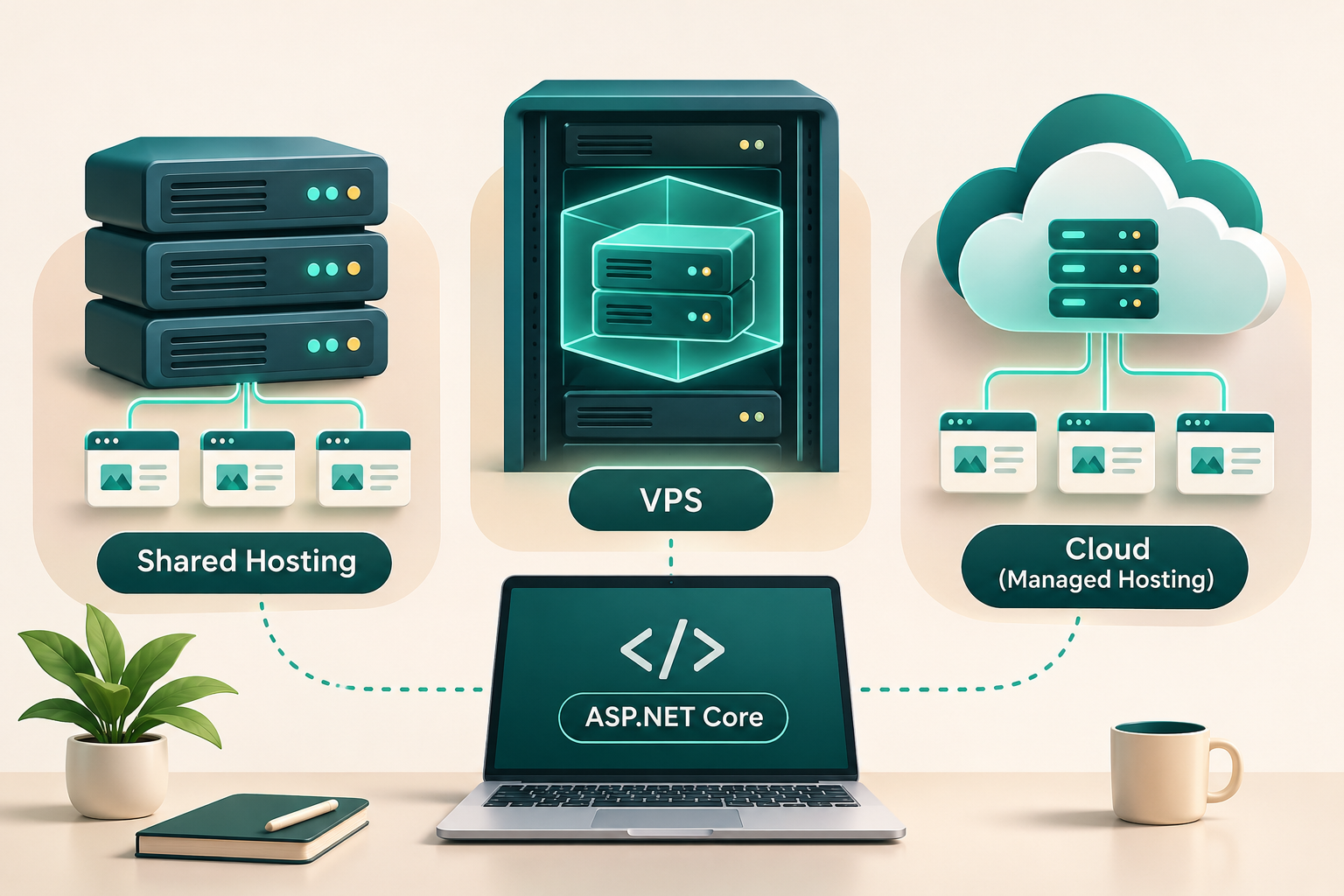
Quick Answer: Which ASP.NET Core Hosting Should You Choose?
For a small ASP.NET Core website with modest traffic, compatible shared hosting can be an economical starting point. For developers who need greater control, a virtual private server (VPS) offers more flexibility. For businesses that prefer managed deployment, monitoring, and scaling features, a platform such as Azure App Service may be a better fit.
None of these choices is automatically the fastest, cheapest, or most reliable.
The right choice depends on your application's runtime, database, traffic, uptime requirements, and deployment process.
| Hosting option | Best suited for | Main advantage | Main trade-off |
|---|---|---|---|
| Shared hosting | Small websites, basic applications | Lower entry cost, simpler administration | Limited configuration and runtime control |
| Linux VPS | Developers, APIs, custom applications | Server control and flexible deployment | You manage operating system security and maintenance |
| Windows VPS | Windows-dependent applications and IIS deployments | Windows ecosystem compatibility | Licensing and infrastructure costs may be higher |
| Managed cloud hosting | Production applications and growing services | Managed infrastructure and deployment tools | Costs and platform-specific limitations |
| Container hosting | Applications packaged as containers | Repeatable deployments and portability | Additional container and operational knowledge |
Practical recommendation: First determine whether your application has Windows-specific requirements. If it doesn't, compare compatible Linux hosting and managed platforms before paying for Windows infrastructure.
1. What Does an ASP.NET Core Application Need to Run?
ASP.NET Core is a cross-platform framework for building web applications and APIs. Unlike a static HTML website, an ASP.NET Core application ordinarily requires an environment capable of executing its application code.
Its hosting requirements depend on how it is published and configured.
Runtime compatibility
A framework-dependent ASP.NET Core deployment requires a compatible .NET runtime on the hosting environment.
A self-contained deployment includes the runtime components needed by the application, but it still requires a compatible operating system, processor architecture, process execution permissions, and suitable hosting infrastructure.
A host advertising support for ".NET" does not necessarily support every ASP.NET Core version or deployment model.
Before purchasing, verify:
- Your application's target .NET version is supported.
- The provider permits long-running ASP.NET Core application processes or offers compatible IIS integration.
- Required native dependencies and operating system features are available.
- The hosting plan supports your intended deployment method.
Web server and process management
ASP.NET Core commonly uses Kestrel as its web server.
On Linux, a typical deployment runs Kestrel behind Nginx and uses systemd to keep the application running and restart it when necessary.
On Windows, Internet Information Services (IIS) can host ASP.NET Core through the ASP.NET Core Module and the appropriate .NET Hosting Bundle.
These are common patterns, not mandatory configurations for every hosting provider.
Database requirements
If your application uses SQL Server, PostgreSQL, MySQL, or another database, you need to check database hosting separately.
A web hosting plan that supports ASP.NET Core might not include a compatible database.
You may need a separate database service, with its own storage, backup, and billing arrangements.
2. Shared Hosting: The Cheapest Starting Point?
Shared hosting lets multiple customers use infrastructure administered by the hosting provider.
The provider typically controls much of the operating system, web server configuration, and installed software.
This can make the service easier for beginners who don't want to manage a server.
Advantages
Shared hosting may offer lower entry prices, control-panel management, preconfigured deployment options, and less direct responsibility for server administration.
For a small business website or a straightforward ASP.NET Core application, this can be sufficient.
Limitations
The restrictions are often more important than the advertised storage capacity.
A shared hosting plan may limit memory, CPU usage, background processes, scheduled tasks, runtime versions, or deployment permissions.
Some plans advertise ASP.NET or .NET Framework support but do not provide the ASP.NET Core hosting capabilities your application needs.
Database allowances may also be restricted.
Before buying shared hosting, ask the provider:
- Which ASP.NET Core runtime versions are available?
- Can I deploy my published application directly?
- Are persistent application processes supported?
- Are WebSockets and SignalR connections supported on this plan?
- Is SQL Server available, and is it included in the quoted price?
- Can I configure environment variables and secure application secrets?
- What CPU, memory, and application-pool limits apply?
- Are backups, SSL certificates, and restore operations included?
When shared hosting makes sense
Choose compatible shared hosting when the application is relatively simple, traffic is modest, and the provider explicitly supports all the required features.
Avoid choosing it solely because its advertised monthly price is lower.
A hosting plan that can't run your application correctly isn't a bargain.
3. VPS Hosting: More Control, More Responsibility
A virtual private server provides a virtualized operating system environment with an allocated share of physical infrastructure resources.
Unlike conventional shared hosting, a VPS generally gives you administrative control over your operating system and application environment.
This means you can install the necessary .NET runtime, configure services, manage a reverse proxy, and deploy according to your application's needs.
Why developers choose a VPS
A VPS is useful when you need:
- Custom application or operating system configuration.
- Background workers or scheduled processing.
- Control over deployment pipelines.
- Multiple applications on one server.
- Specific database or networking configurations.
- Greater control over logs, monitoring, and runtime upgrades.
What you must maintain
A self-managed VPS also transfers operational responsibility to you.
You should plan for operating system updates, firewall rules, TLS certificates, backup procedures, monitoring, secure access, and incident recovery.
If the application goes down because its process crashes, the disk fills, or a server update breaks something, you may need to diagnose and repair it yourself.
Linux VPS vs Windows VPS
Linux is often a practical choice for cross-platform ASP.NET Core applications that don't require Windows-specific functionality.
A common arrangement is:
Internet → Nginx → Kestrel → ASP.NET Core application
Windows VPS hosting is particularly relevant when the application depends on Windows-specific components, IIS capabilities, or particular enterprise integrations.
However, using SQL Server does not automatically mean you need a Windows web server. An ASP.NET Core application running on Linux can connect to a compatible remote SQL Server or Azure SQL Database.
The application's actual dependencies should determine the operating system, not the developer's familiarity with Windows alone.
4. Managed Cloud Hosting: Less Infrastructure Management
Managed application platforms such as Microsoft Azure App Service handle many operating-system and application-hosting responsibilities on your behalf.
Instead of managing a complete virtual machine, developers deploy applications to a platform that provides supported runtime environments, application configuration, deployment facilities, and infrastructure management.
Advantages of a managed platform
Managed hosting can simplify deployment, logging, application configuration, infrastructure patching, and scaling operations.
Capabilities vary by provider and pricing tier, so not every managed plan includes every feature.
For business-critical services, reducing infrastructure administration may justify a higher monthly bill.
Limitations and costs
Managed hosting doesn't mean you no longer need to maintain the application.
You're still responsible for application code, dependency updates, security configuration, database design, access controls, and appropriate testing.
Database hosting, storage, monitoring, network usage, and additional application instances may incur separate charges.
Some free and entry-level hosting tiers also have important limitations.
For example, Microsoft's Azure App Service free tier is intended for experimentation and learning, not supported production workloads.
When to choose managed cloud hosting
Managed hosting is especially worth considering when your application serves customers, uptime matters, your team wants an established deployment workflow, or you don't have the time to maintain a VPS.
It can also be appropriate for small applications where the reduced operational burden outweighs the infrastructure price difference.
5. Shared Hosting vs VPS vs Cloud: Detailed Comparison
| Factor | Shared hosting | Self-managed VPS | Managed cloud platform |
|---|---|---|---|
| Initial setup | Often easier | Requires server setup | Usually application-focused |
| OS control | Limited | Extensive | Limited |
| ASP.NET Core compatibility | Plan-dependent | You configure it | Supported runtime or container required |
| Deployment flexibility | Limited to provider features | High | Platform-dependent |
| Server patching | Provider-managed | Your responsibility | Largely provider-managed |
| Background services | May be restricted | Generally configurable | Depends on service and plan |
| Scaling | Upgrade hosting plan | Resize or redesign infrastructure | Plan-dependent scaling features |
| Database | Often separate or restricted | Self-hosted or separate | Commonly a separate service |
| Operational effort | Lower | Higher | Lower for infrastructure |
| Cost predictability | Often simple plans | Predictable base server fee, possible extras | Depends on plan and additional services |
A powerful VPS may cost less than a managed hosting configuration, but only when comparing the actual resources and services you need.
The time required to administer the VPS also matters.
6. How Much Does ASP.NET Core Hosting Really Cost?
The monthly server fee is only one part of the decision.
You should evaluate the total cost of operating the application over a year, not just the advertised first-month price.
Infrastructure costs
These may include web hosting or compute resources, database services, storage, backups, data transfers, domain registration, TLS certificate services, and monitoring.
Some services include a portion of these costs; others bill separately.
Operational costs
Consider the time required to install patches, renew certificates, investigate outages, review logs, restore backups, and troubleshoot deployment failures.
A cheaper server that requires frequent maintenance can become more expensive than a managed alternative.
Development and growth costs
If your application needs additional resources, ask whether you can scale without a disruptive migration.
Investigate billing for upgrades, extra instances, managed databases, backup retention, and outgoing network traffic.
A useful comparison formula:
Annual hosting cost = 12 × recurring monthly infrastructure costs + annual extras + estimated administration cost
This isn't a pricing quote. It's a framework for comparing options using current provider quotations.
Example: Small freelance application
Suppose you're launching an ASP.NET Core application for a small client with a few administrative users.
You might consider compatible shared hosting first if the application has straightforward requirements.
A small VPS becomes more appealing when you need custom services, full deployment control, or application configurations that shared hosting cannot provide.
A managed application platform may be preferable if the client values reduced infrastructure maintenance and dependable operational processes.
The best answer is determined by the application's requirements and the client's budget—not by an arbitrary traffic threshold.
7. SQL Server Hosting: A Common Hidden Expense
Many ASP.NET Core applications use Entity Framework Core, Dapper, or direct database access.
If your application relies on SQL Server, investigate the database configuration before choosing the web host.
There are three common arrangements.
Database hosted alongside the application
The application and database run on the same server.
This can simplify development and some small deployments, but the two workloads compete for CPU, RAM, and disk resources.
Server failure can also affect both components simultaneously.
Database hosted on a separate server
The application connects to another database server over the network.
This separates some resource and administration concerns, but introduces networking, latency, access-control, backup, and additional cost considerations.
Managed database
A service such as Azure SQL Database provides managed database infrastructure, with capabilities depending on the selected service tier.
This can reduce some database administration responsibilities, though schema design, query performance, security permissions, and data protection still require attention.
What to verify before purchasing
Check SQL Server version compatibility, licensing, storage limits, backup and restore options, connection limits, authentication, network access, and expected database growth.
Avoid assuming that a hosting provider's "unlimited databases" marketing claim means unlimited database performance or capacity.
8. Security, Backups, and Reliability
A hosting provider's marketing description is not a substitute for checking operational capabilities.
Security
Look for supported operating system and runtime versions, HTTPS support, secure secret management, firewall/network controls, and restricted administrative access.
For production deployments, avoid hardcoding credentials in the application's source code or publishing sensitive configuration files.
Backups
Confirm what is backed up, how frequently backups are created, how long they are retained, and whether restoring from a backup has been tested.
A backup feature without a workable restoration process offers limited protection.
Reliability
Review the service-level agreement where available, but remember that an uptime commitment is not a guarantee that your application cannot fail.
Application bugs, database issues, incorrect configurations, and deployment mistakes remain possible.
Use application health checks, logging, and appropriate monitoring to detect problems early.
9. Three Practical Hosting Scenarios
Scenario A: A portfolio or demonstration application
Recommended starting point: A suitable low-cost hosting plan or development-tier managed service.
If the application is mostly for demonstrations and has minimal traffic, avoid paying for complex production infrastructure before you need it.
However, don't use a service's non-production free tier for an application that needs production reliability.
Scenario B: A custom ASP.NET Core business application
Recommended starting point: A well-configured VPS or managed application platform.
Consider your team's infrastructure expertise, database requirements, business criticality, and client support expectations.
If you're comfortable administering Linux, a VPS provides flexibility. If server maintenance would distract from developing the product, consider managed hosting.
Scenario C: A customer-facing SaaS application
Recommended starting point: Managed hosting or a carefully designed VPS/cloud infrastructure arrangement.
Focus on recoverability, secure configuration, database reliability, observability, scalable deployment, and operational support.
A SaaS product doesn't automatically require Kubernetes, multiple servers, or an elaborate microservices architecture.
Start with architecture that satisfies real requirements and can evolve as usage grows.
10. Common ASP.NET Core Hosting Mistakes
Mistake 1: Buying traditional ASP.NET hosting without verifying ASP.NET Core support.
The names sound similar, but compatibility depends on the hosting environment and runtime.
Mistake 2: Assuming Windows hosting is always necessary.
ASP.NET Core works across platforms. Windows should be selected for a genuine requirement, not simply because the application was developed using Visual Studio on Windows.
Mistake 3: Choosing the smallest plan without checking actual workload needs.
Background jobs, traffic spikes, databases, file processing, and large application dependencies can all affect resource requirements.
Mistake 4: Ignoring database and backup expenses.
These services can materially change the total cost.
Mistake 5: Treating self-managed VPS hosting as maintenance-free.
Server administration is an ongoing responsibility.
Mistake 6: Assuming cloud hosting automatically makes an application scalable.
Application design, database behavior, platform capabilities, and configuration all affect scalability.
Mistake 7: Moving production workloads onto unsupported free plans.
Free tiers can be useful for learning, but their limitations must be checked before hosting a real business service.
11. Final Buying Checklist
Before purchasing any hosting plan, confirm that you can answer yes to the following questions:
- Does the hosting platform support my application's target .NET version?
- Can it run my application's deployment model?
- Are any Windows-only dependencies supported?
- Is my database available, affordable, and compatible?
- Are expected CPU, RAM, storage, and connection requirements covered?
- Can I configure HTTPS, secrets, and access controls securely?
- Do I understand the backup and recovery process?
- Can I deploy updates and recover from failed releases?
- Are monitoring and troubleshooting tools sufficient?
- Do I understand the full recurring cost?
- Can the setup grow with the application?
- Is there a practical exit or migration strategy?
Final Verdict: Which Hosting Should You Buy?
For a simple ASP.NET Core project, choose an affordable hosting plan that explicitly supports your application's requirements.
For custom applications where you need control and have server-management skills, a Linux VPS can offer an appealing balance of flexibility and cost.
For teams that prefer to spend less time administering infrastructure, managed application hosting is worth evaluating.
For applications that genuinely depend on Windows components or particular IIS features, consider Windows hosting.
The best ASP.NET Core host isn't necessarily the cheapest or most expensive provider. It's the service that can run your application reliably, securely, and within your realistic operating budget.
Frequently Asked Questions
Can ASP.NET Core run on Linux hosting?
Yes. ASP.NET Core is cross-platform and can run on compatible Linux environments. A common production setup uses Kestrel, Nginx, and systemd.
Is Windows hosting required for ASP.NET Core?
No. Windows hosting is useful for applications with specific Windows or IIS dependencies, but many ASP.NET Core applications can run on Linux.
Can ASP.NET Core use SQL Server when hosted on Linux?
Yes. An ASP.NET Core application on Linux can connect to a compatible SQL Server instance or supported Azure SQL Database configuration.
Is a VPS better than shared hosting?
Not universally. A VPS offers more configuration control but requires more maintenance. Compatible shared hosting may be adequate for small applications.
Is Azure App Service free?
Azure App Service offers a free tier for development and experimentation, with important restrictions. Its free tier is not supported for production workloads.
Can I host multiple ASP.NET Core applications on one VPS?
Generally, yes, provided the server has sufficient resources and the applications are correctly configured with suitable networking, security isolation, and process management.
Research Sources
The following official documentation supports the technical descriptions in this article:
- Microsoft Learn — Host and Deploy ASP.NET Core
- Microsoft Learn — Host ASP.NET Core on Linux with Nginx
- Microsoft Learn — Host ASP.NET Core on Windows with IIS
- Microsoft Learn — .NET Hosting Bundle
- Microsoft Azure — App Service Pricing
- Microsoft Learn — Deploy ASP.NET Core with Azure SQL Database
Editorial note: This is a researched comparison, not a hands-on benchmark or a claim that the publication has independently tested hosting providers. Provider pricing, feature availability, and runtime support should be verified again before publication.